Smart home Project
smart watering can
Concept Driven Human-Centered Design of a Smart Home Application
Client
School Project, Chalmers
Category
Product Design
Service
Visual Design, UX
Period
Fall 2024
A smarter way to listen to plants.

problem
Many plant owners struggle to keep their plants healthy because they lack knowledge about individual plant needs such as watering frequency, light requirements, and general care. While interest in indoor plants is growing, existing solutions often require users to manually research information or rely on passive reminders that are disconnected from the actual act of plant care.
This leads to unhealthy plants, frustration, and a gap between users’ intentions and their ability to care for plants properly.
THE CONCEPT
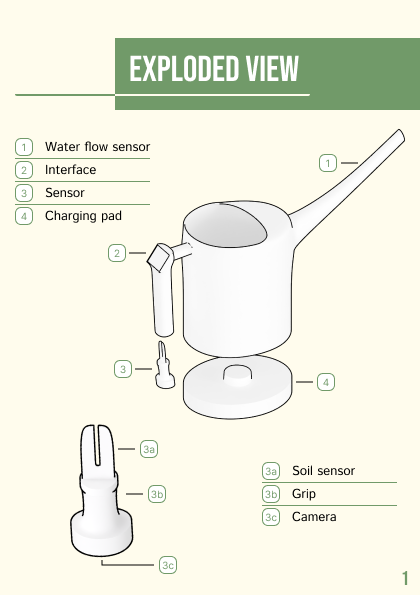
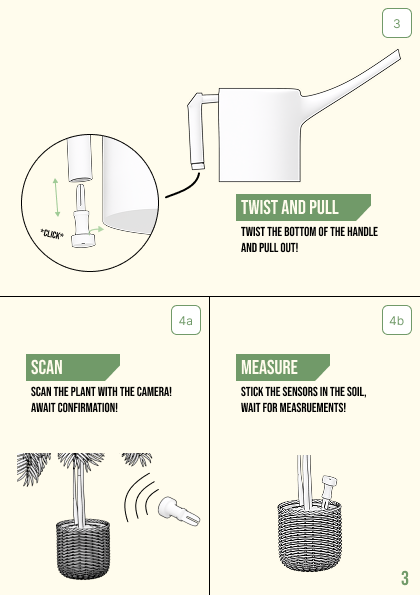
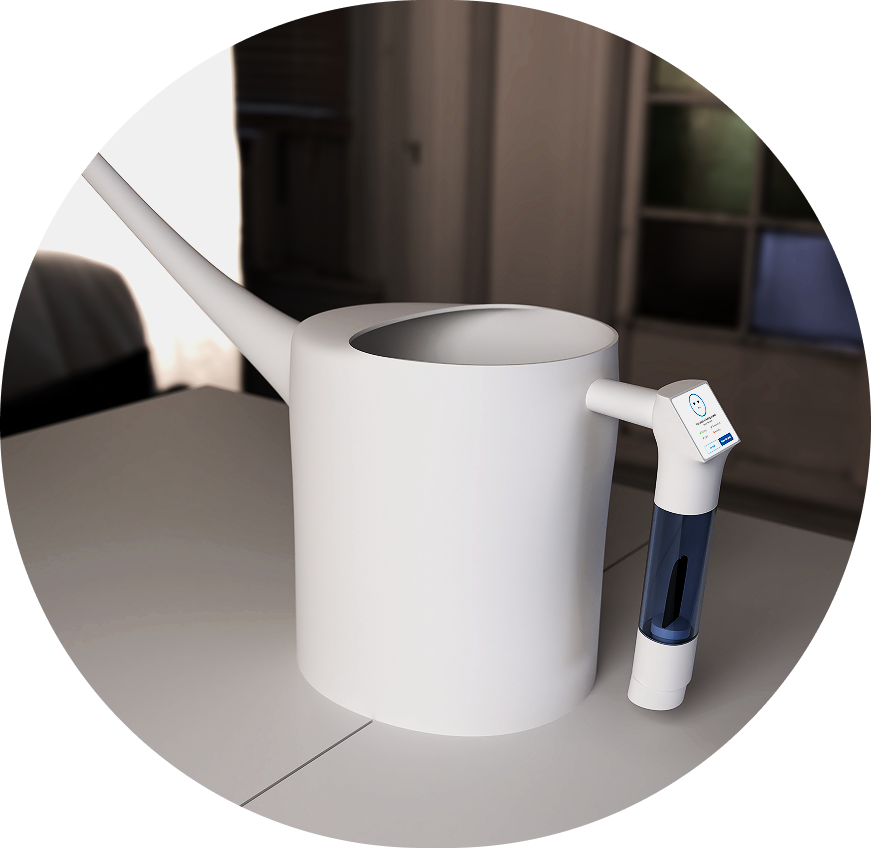
BotanIQ rethinks the traditional watering can by turning it into an interactive tool that guides users while they water their plants. The idea was to integrate smart technology into an object users already understand, rather than introducing an entirely new device. By combining plant scanning, soil sensing, and a connected mobile app, BotanIQ provides contextual and actionable guidance at the right moment — during watering.
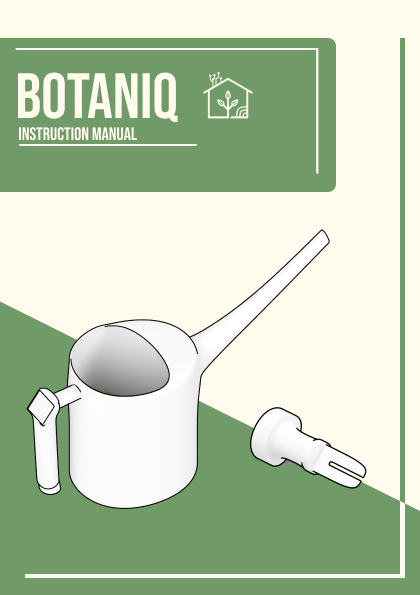
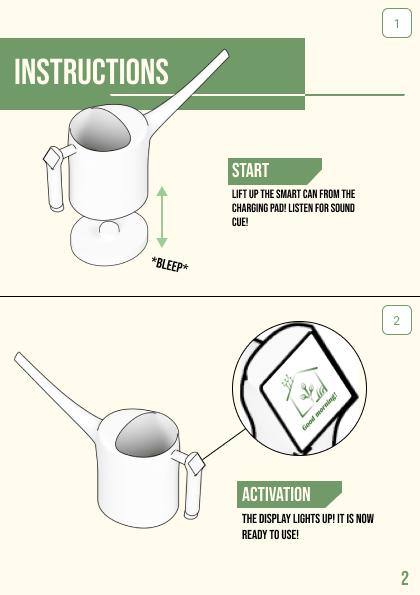
Brochure


ideation
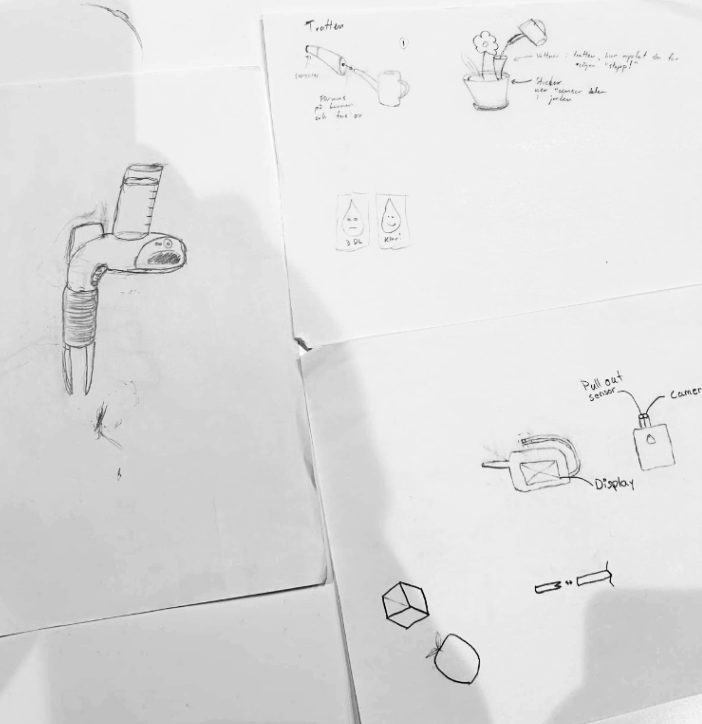
The project began with a brainstorming session using the Crazy 8 method. Inspired by a pitch related to plant care, the team explored how technology could support learning and engagement rather than automate the entire process.
Early ideation included:
Plant identification through scanning
Care recommendations displayed on a screen
Comparisons with existing solutions such as plant care apps and self-scanning interfaces
A key insight early on was that simply identifying plants would not be enough. To provide meaningful guidance, additional data such as soil moisture was required. This led to the idea of integrating sensors directly into the watering process instead of creating a separate plant-care device.
Prototyping
PHYSICAL PROTOTYPE
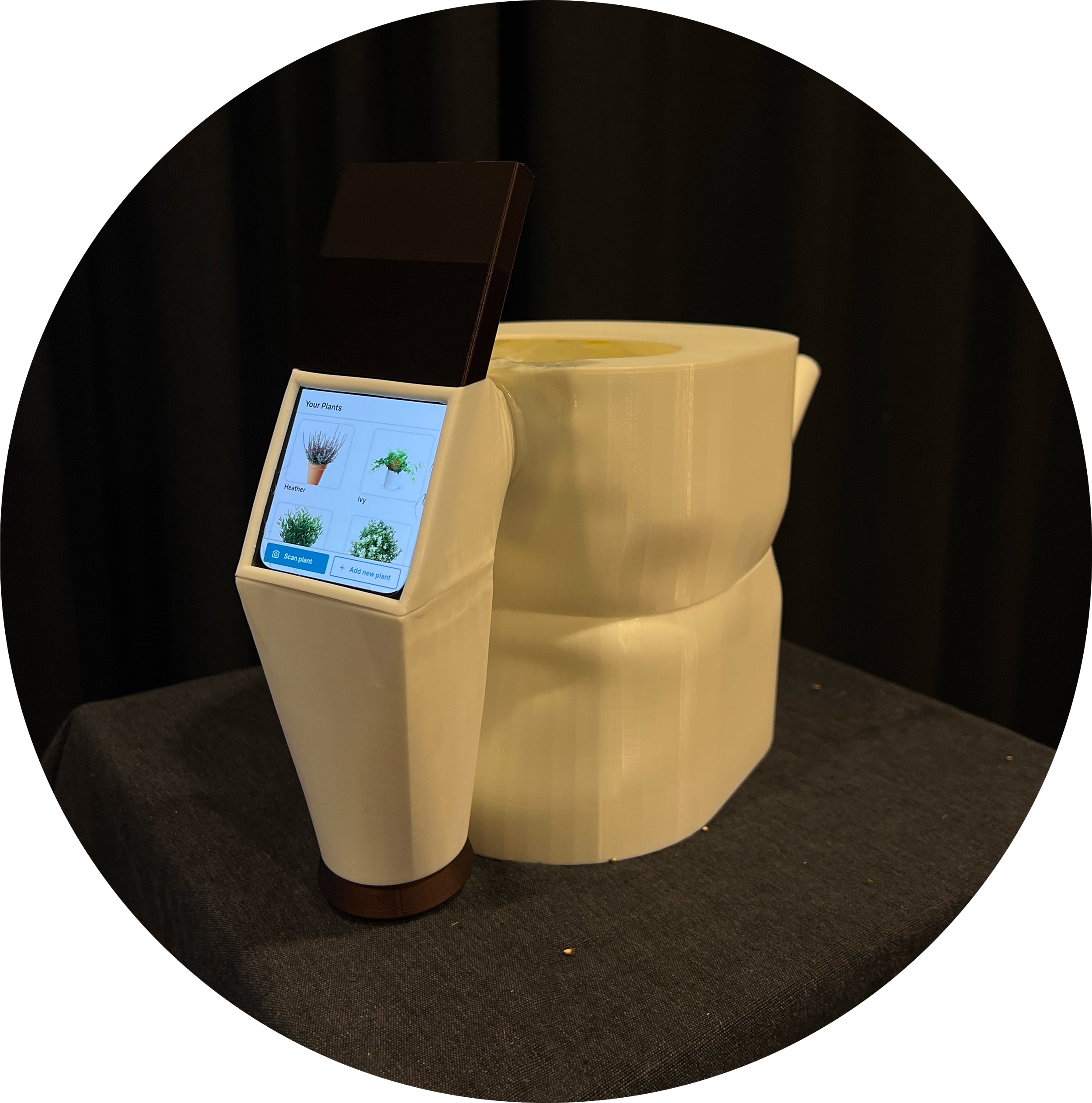
Initial physical mock-ups were created to explore the form, grip, and interaction of a watering can. These prototypes helped the team understand how users naturally hold and use the object, revealing the need for a two-handed interaction.
Based on this, the screen was integrated into the handle to keep information visible during use while maintaining balance and control.
INTERFACE PROTOTYPE
Due to time and technical constraints, the interface was implemented using a Wizard of Oz approach. A smartphone was placed inside the handle of the watering can, running a Figma prototype that simulated the product’s functionality.
This allowed the team to focus on:
Interaction flow
Information clarity
User guidance during watering
without being limited by hardware development.
evaluation
BotanIQ was evaluated during an exhibition where ten participants were introduced to the product and observed. Feedback was collected through observation and a follow-up questionnaire.
Key findings included:
The removable sensor was not immediately noticeable
Some users perceived the prototype as slightly heavy
Users appreciated receiving guidance during watering rather than through separate reminders
These insights revealed areas where clearer visual cues and improved ergonomics would significantly enhance usability.
What was the result?
-
Working on BotanIQ gave me valuable experience designing within a physical–digital system, where interface decisions directly affect how users understand and interact with a product. I learned how tightly connected visual design, interaction cues, and user behavior are, especially when digital guidance supports a physical object. Seeing users misinterpret or miss certain features reinforced the importance of clarity, timing, and context in interface design.
-
This project strengthened my skills in graphical interface design, visual hierarchy, and mobile UI, particularly in translating complex sensor data into clear, actionable feedback. I also developed a stronger understanding of logo design and visual identity, ensuring consistency across the physical product, interface, and mobile app. Working with iterative prototyping and user feedback helped me refine how I structure interfaces to support quick understanding rather than explanation.
-
Going forward, I take with me a deeper understanding of how interfaces can guide behavior beyond the screen. The project has influenced how I approach visual cues, onboarding, and feedback in both digital and hybrid products. I now place greater emphasis on designing interfaces that communicate functionality instantly and adapt to real-world use, especially when working at the intersection of software, hardware, and user interaction.